yojoc
V2EX  ›  中州韻

如何在 Win10 中将 Rime 设置为默认输入法?

  •  
  •   yojoc · May 20, 2020 · 7405 views
    This topic created in 2189 days ago, the information mentioned may be changed or developed.

    在设置中语言列表没有小狼毫的选项 UTOOLS1589944674871.png

    3 replies    2021-01-27 16:32:48 +08:00
    TrembleBeforeMe
        1
    TrembleBeforeMe  
       May 20, 2020
    中文放在第一位,然后进中文输入法设置里面删掉微软拼音就好了。
    yojoc
        2
    yojoc  
    OP
       May 20, 2020   ❤️ 1
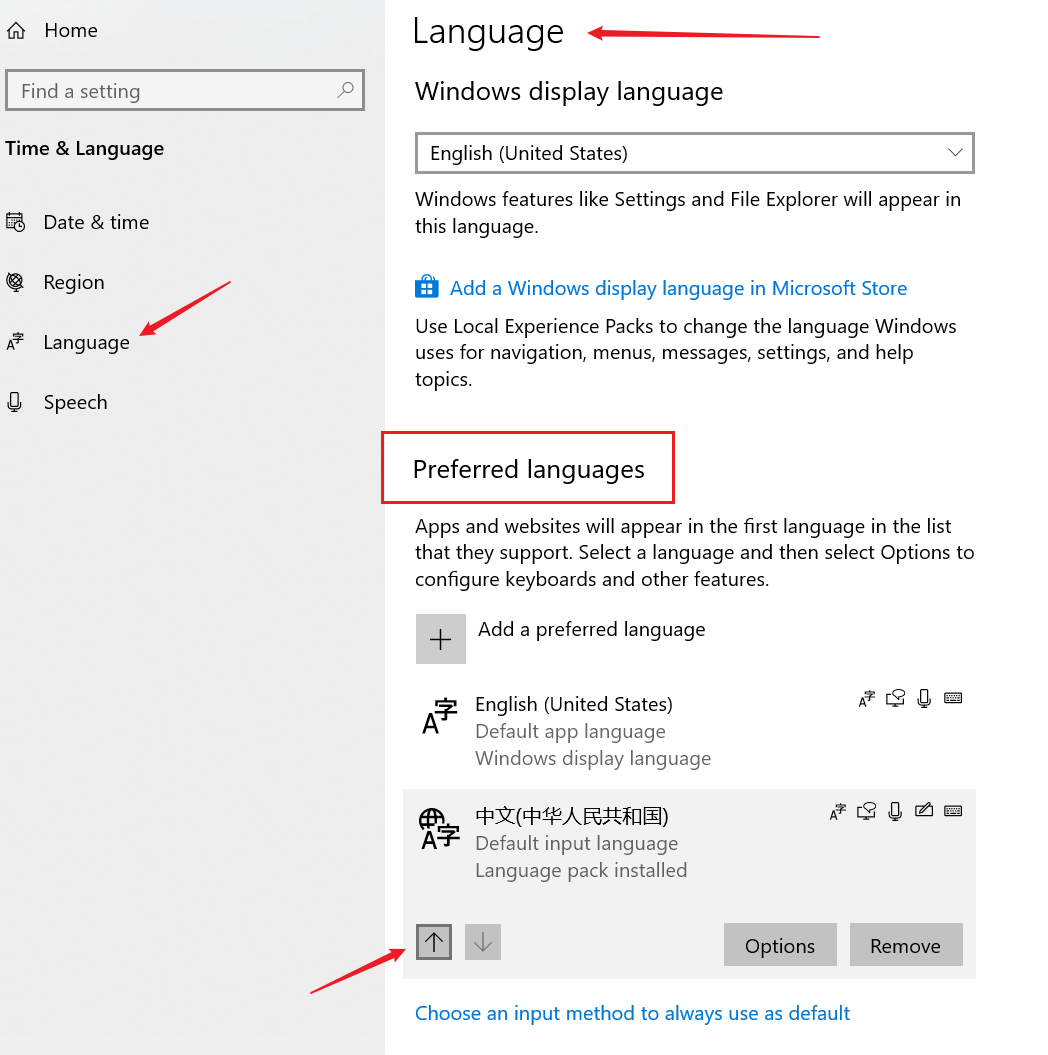
    @TrembleBeforeMe 感谢回复,找到了可以不删掉微软拼音的解决办法:
    ![UTOOLS1589972501862.png]( http://yanxuan.nosdn.127.net/16a7eb653b9ba4d74b8fdc95ee95adfc.png)
    在中文的选项里面,添加小狼毫,然后就可以设置成默认啦
    AllenHua
        3
    AllenHua  
       Jan 27, 2021
    ![20210127162812.png]( https://gitee.com/hellodk/pic/raw/master/image/20210127162812.png)

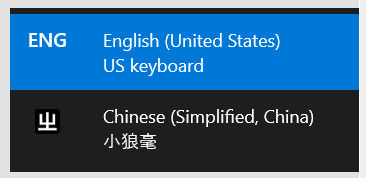
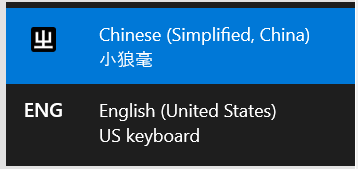
    只保留了 微软英文键盘和 rime 然后 rime 初始状态是英文 我的使用习惯是这样的

    然后可以将 rime 设置成默认输入法了
    ![20210127163108.png]( https://gitee.com/hellodk/pic/raw/master/image/20210127163108.png)
    ![20210127163143.png]( https://gitee.com/hellodk/pic/raw/master/image/20210127163143.png)
    ![20210127163228.png]( https://gitee.com/hellodk/pic/raw/master/image/20210127163228.png)

    此时 默认输入法 已经是 rime
    About   ·   Help   ·   Advertise   ·   Blog   ·   API   ·   FAQ   ·   Solana   ·   5922 Online   Highest 6679   ·     Select Language
    创意工作者们的社区
    World is powered by solitude
    VERSION: 3.9.8.5 · 35ms · UTC 03:36 · PVG 11:36 · LAX 20:36 · JFK 23:36
    ♥ Do have faith in what you're doing.