
家里一台机器安装了 pve(proxmox virtual environment)。在内网通过 https://10.10.10.3:8006 访问
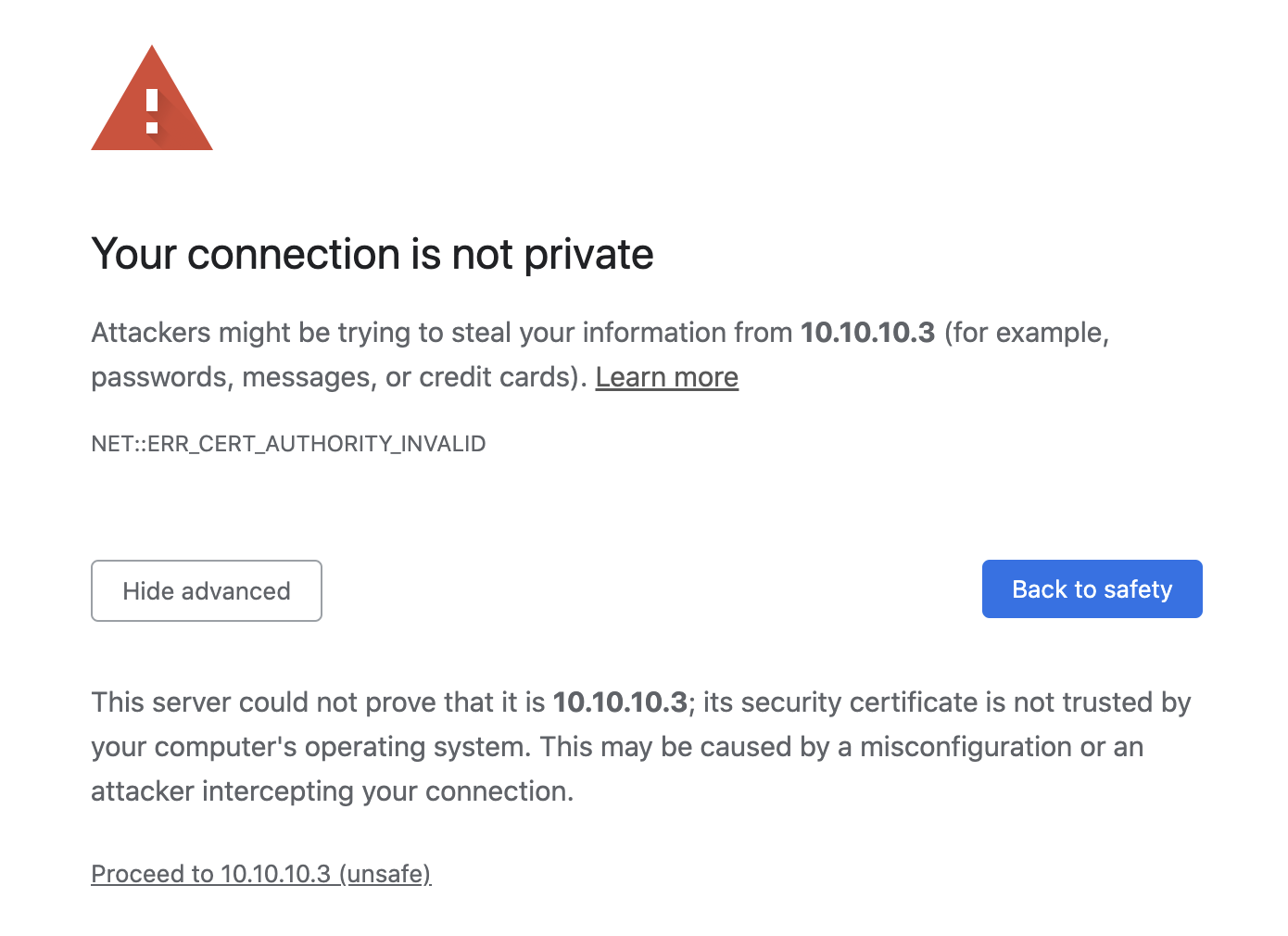
点击 Proceed 即可正常访问(忽略这个警告即可)
VPS 上 frps 已部署好,内网 frpc 也已经配置好(内网配置如下)
[pve-dashboard]
type = http
custom_domains = pve.example.com
local_ip = 10.10.10.3
local_port = 8006
remote_port = 81
use_compression = true
use_encryption = true
frpc 这边日志显示 proxy 建立成功
[control.go:181] [0e57994403b3976e] [admin.pve-dashboard] start proxy success
但是访问 https://pve.example.com 是 frp 的默认 404 页面(如下图)。
我在 frp http 传输外层包了一层 nginx ,最外层套了 SSL 实现的 https 访问

有人知道这种情况下应该怎么做吗?
内网中,curl -v http://10.10.10.3:8006 结果如下,
* Empty reply from server
* Connection #0 to host 10.10.10.3 left intact
scheme 必须指定是 https 才行,curl -v https://10.10.10.3:8006
*   Trying 10.10.10.3:8006...
* Connected to 10.10.10.3 (10.10.10.3) port 8006 (#0)
* ALPN, offering h2
* ALPN, offering http/1.1
* successfully set certificate verify locations:
*  CAfile: /etc/ssl/certs/ca-certificates.crt
*  CApath: /etc/ssl/certs
* TLSv1.3 (OUT), TLS handshake, Client hello (1):
* TLSv1.3 (IN), TLS handshake, Server hello (2):
* TLSv1.3 (IN), TLS handshake, Encrypted Extensions (8):
* TLSv1.3 (IN), TLS handshake, Certificate (11):
* TLSv1.3 (OUT), TLS alert, unknown CA (560):
* SSL certificate problem: unable to get local issuer certificate
* Closing connection 0
curl: (60) SSL certificate problem: unable to get local issuer certificate
More details here: https://curl.se/docs/sslcerts.html

curl failed to verify the legitimacy of the server and therefore could not
establish a secure connection to it. To learn more about this situation and
how to fix it, please visit the web page mentioned above.
这种自签证书的 web 服务可以通过 frp 暴露在公网吗,还请指教。


 1
1


 Select Language